
What Claude Motion is
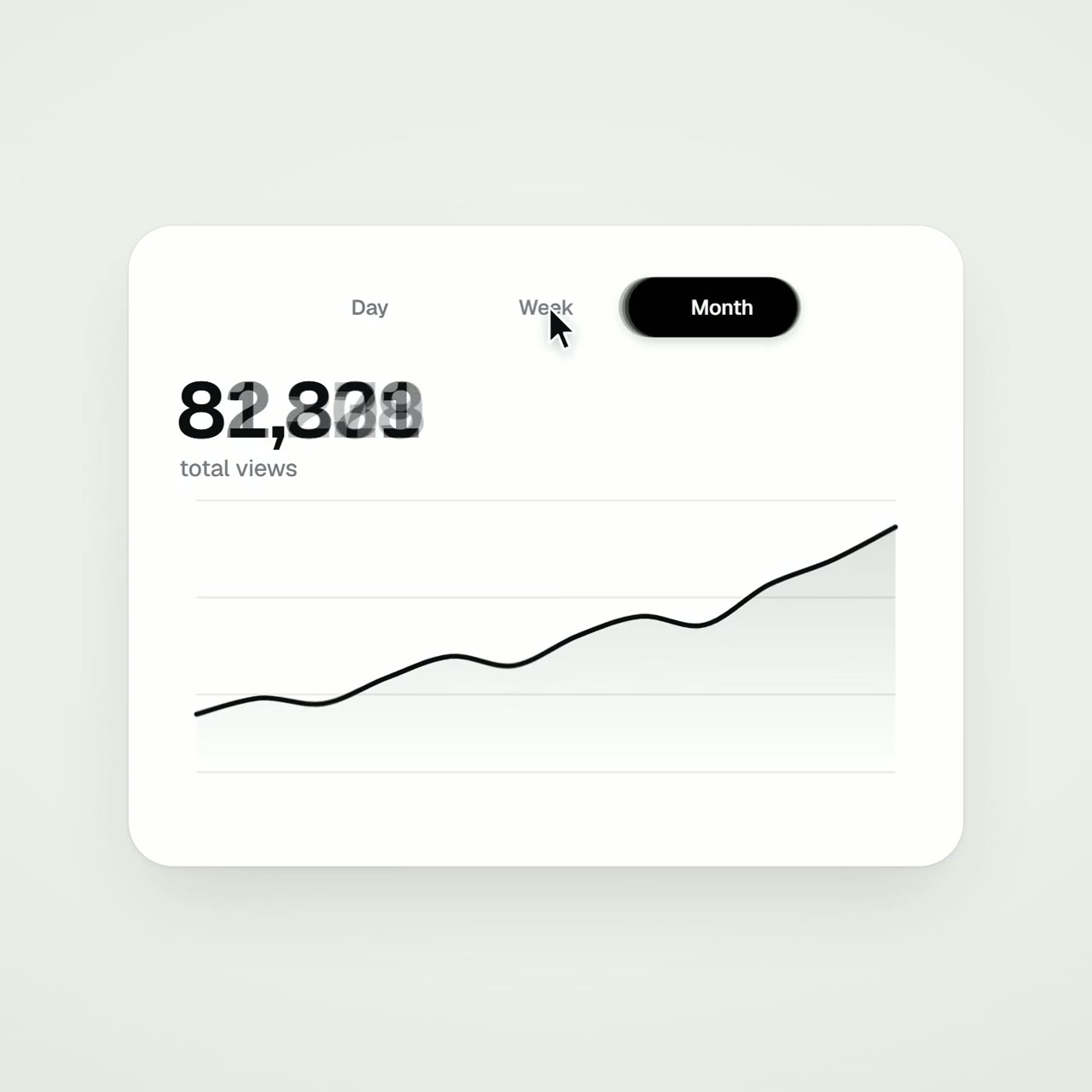
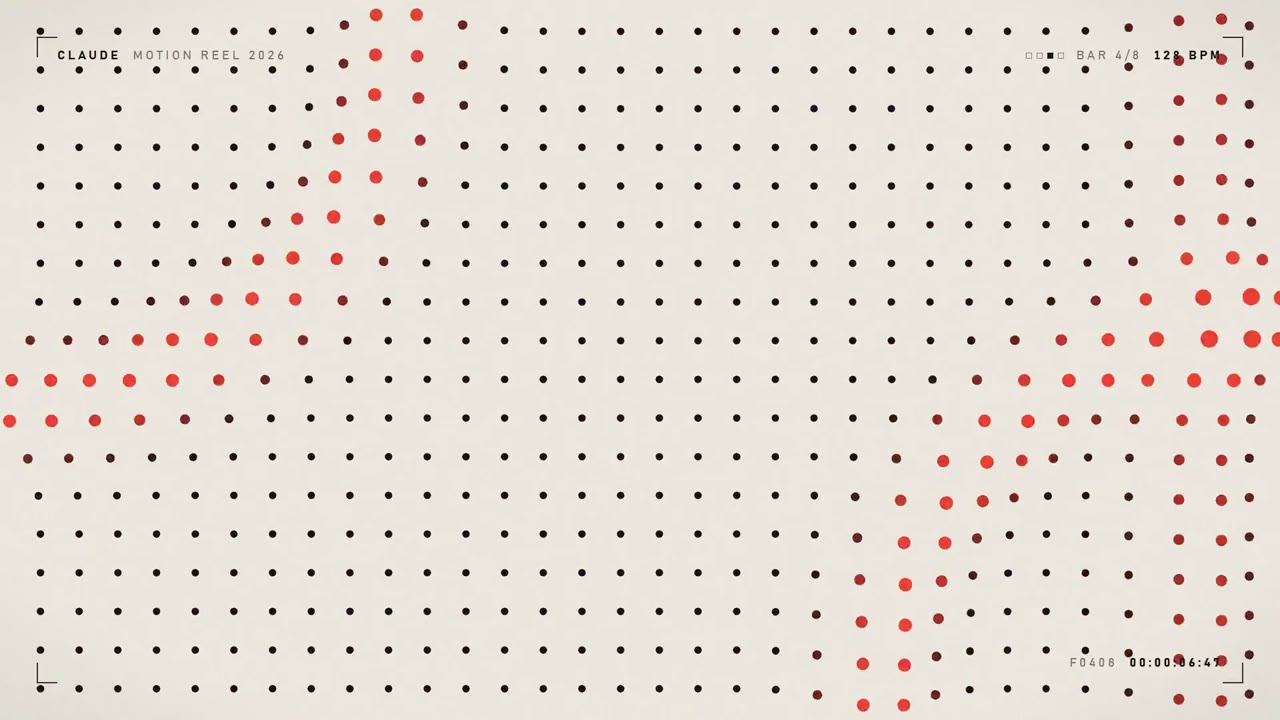
An animation in Claude Motion is an artifact created from a Motion template. Claude builds it as code from your prompt: the code animates the text, charts, shapes and images inside it, and the result plays like a short video.
There is no video generation model behind it. That has two consequences. It can't produce realistic footage or people. And because every animation is code, you can change one detail, a word, a number, a timing, and the rest stays exactly as it was. A generated video can't do that; you'd get a different clip every time.
Most of the 1,200+ videos indexed here were made the same way: Claude wrote an HTML animation, someone recorded it. Motion adds the parts people were doing by hand, a template, an editor and an MP4 export button, inside the Claude app.
Who can use it
At launch Claude Motion is a beta on the Team and Enterprise plans only.
| Plan | Claude Motion | Default |
|---|---|---|
| Free, Pro, Max | Not available at launch | — |
| Team | Beta | On |
| Enterprise | Beta | Off until an owner turns it on |
On Enterprise, owners can also limit it to particular groups with custom roles. Anthropic hasn't said whether or when it will reach Pro or Max. If you're on one of those plans, see how to get the same result without a Team plan.
How to turn it on
On Team plans there's nothing to do; it's on. On Enterprise, an owner or primary owner enables it:
- 1Open organization settings
Go to Organization settings, then the Artifacts section (claude.ai/admin-settings/artifacts).
- 2Enable Claude Motion
Switch it on for the organization, or restrict it to specific groups with a custom role.
How to make an animation
There are three ways in:
Ask in any chat
Ask Claude for an animation in any chat, for example: "Turn this quarter's report into a 30-second explainer for our all-hands."
Choose the output
In the message box, select Output, then Motion, before you send.
From the Artifacts tab
Open the Artifacts tab, pick the Motion template, and describe what you want.
Anthropic's own example prompts are all business content: a quarterly report explainer, an animated pricing-plan comparison for a sales kickoff, a short setup demo for new customers.
Prompting for better results
Anthropic's advice is short: say who will watch it, where it will play and roughly how long it should be, and attach the report, data or images you want used so the animation is built from your own content. That lines up with what we found reading 277 real prompts: the useful decisions are audience, duration, format and the actual numbers.
Make a 30-second animation for our all-hands (shown on a big screen, 16:9).
Audience: the whole company, not finance people.
Use the attached Q3 report. Show three things, one scene each:
  1. Revenue vs. Q2 as a bar that grows
  2. New customers as a counter
  3. One sentence on what's next
Our brand colours are #1F2A44 and #F2B134. Calm pacing, no sound.
More on structure in what 277 real prompts have in common.
Editing, exporting and sharing
- Ask Claude for changes in the chat: "slow down the second scene", "change the Q3 number to 18%".
- Edit directly in the editor if you'd rather adjust it yourself.
- Export with Export → MP4.
- Share: animations are private to you by default; open one to share it. Everything you make is kept in the Artifacts tab.
- Runway is a launch partner: an animation can be exported to Runway to add generated footage and audio.
Limits and usage
Motion counts against your plan's usage limits like any other work with Claude, and longer or more complex animations use more of it than a typical message. It isn't priced separately.
What it won't do: realistic footage, real people, lip-sync. It's motion graphics, type, charts, shapes and your images moving on a stage, not film.
 @twoclipping
 @ajith_io